Tableau vs. FineBI: Best BI Tool for Small Teams
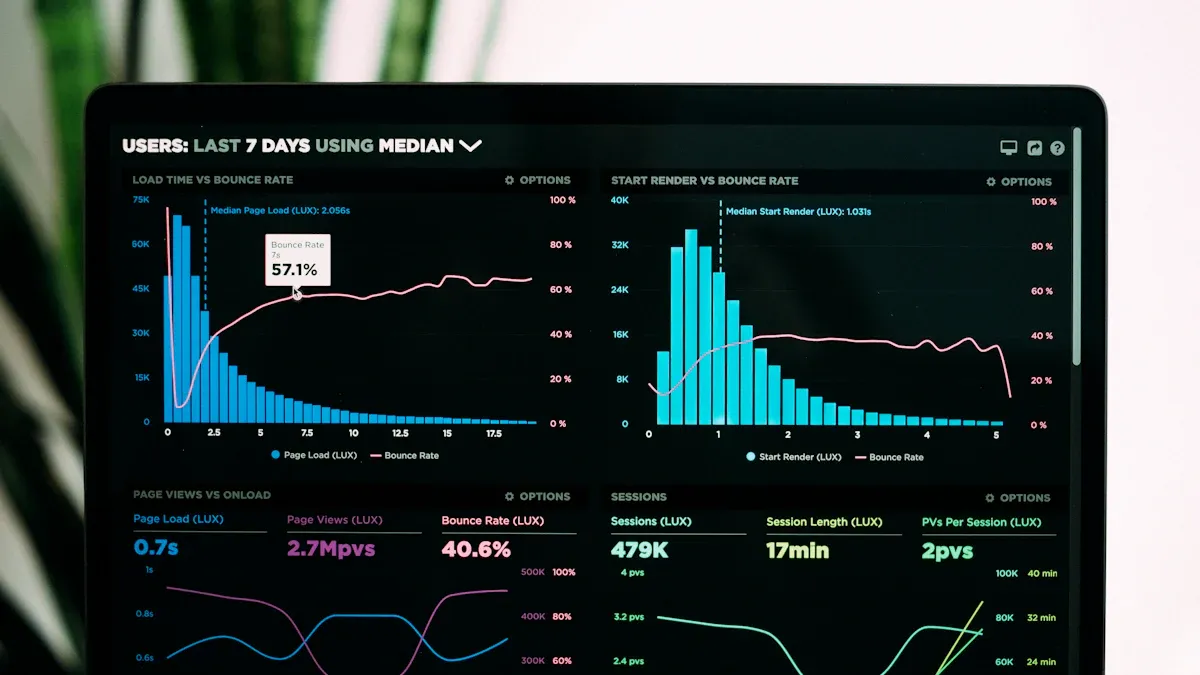
For small teams, FineBI stands out as the best BI Tool. You save money because FineBI offers a more affordable pricing plan. You can set up dashboards quickly, even if you have no technical background. FineBI lets you share reports with your team in just a few clicks. You spend less time learning and more time working together. This tool gives you a simple, cost-effective way to manage and explore your data.
Key Takeaways
FineBI is the best choice for small teams due to its lower costs and easy setup. It allows teams to start quickly without needing technical skills.
Collaboration is seamless with FineBI. Teams can share dashboards and reports in just a few clicks, enhancing teamwork and decision-making.
Tableau excels in advanced data visuals and connectivity to various data sources. It is suitable for teams needing complex analytics but comes with higher costs.
Both tools scale with your team, but FineBI keeps costs low as you grow, making it ideal for startups and small businesses.
When choosing a BI tool, consider your team's budget, technical skills, and collaboration needs to find the best fit.
Small Team Needs

Cost
You want a BI tool that fits your budget. Small teams often work with limited funds, so you need a solution that gives you value without high costs. Many teams struggle when tools have hidden fees or require expensive upgrades. You should look for clear pricing and plans that match your team size.
Usability
A simple and intuitive interface helps everyone on your team use the tool, even if they do not have technical skills. If a tool is hard to learn, your team may not use it fully. Many users report that a steep learning curve can slow down adoption. According to user reviews, platforms like Tableau score high for features and visuals, but some users find them challenging at first. Here is a quick look at usability ratings from major review sites:
Platform | Rating | Key Highlights |
|---|---|---|
G2 | Great visuals and data handling, but users mention a steep learning curve. | |
Capterra | 4.6 / 5 | Highly rated for features and usability, though pricing and performance are concerns. |
Collaboration
You need to work together easily. The best BI Tool for small teams should let you share dashboards, assign tasks, and leave comments. Real-time collaboration helps your team make decisions faster. Features like integration with other platforms and a centralized environment keep everyone on the same page. Here are some top collaboration features small teams value:
Feature | Description |
|---|---|
Real-Time Collaboration | Work together instantly, improving communication and decision-making. |
Task Assignment and Comments | Assign tasks and leave feedback directly in the tool. |
Centralized Environment | Keep analytics, tasks, and communication in one place. |
Cross-Functional Collaboration | Make sure everyone, from different departments, can access the same data. |
Scalability
As your team grows, your BI tool should grow with you. You want a solution that can handle more users and more data without slowing down. Siloed systems and inconsistent data can make scaling hard. Choose a tool that supports easy integration and keeps your data consistent across departments.
Support
Reliable support is key. If you run into problems, you need quick answers. Many small teams report that lack of support from the BI provider leads to frustration and wasted time. Good support helps you get the most out of your BI tool and improves your return on investment.
Tip: When you choose a BI tool, check for clear pricing, easy-to-use features, strong collaboration tools, the ability to scale, and responsive support. These factors help you find the Best BI Tool for your small team.
Tableau Overview
Strengths
Tableau gives your team strong tools for understanding data. You can connect to many data sources, so you always have the information you need. The drag-and-drop interface makes it easy to build charts and dashboards. Even if you do not have much experience, you can create clear visuals. Tableau also lets your team work together on the same project, which helps everyone stay on track.
Feature | Benefit for Small Teams |
|---|---|
Data Connectivity | Import data from many platforms easily. |
Real-time Data Analysis | Make quick decisions as data changes. |
Visualization Tools | Build interactive charts to explain complex ideas. |
Collaboration Features | Work together on dashboards and share insights quickly. |
Weaknesses
You may face some challenges with Tableau. The software can slow down when you use large datasets. If your data sits in different places, you might need extra steps to manage it. Some teams find it hard to share dashboards online, which can make remote teamwork tricky. Tableau does not support advanced calculations as well as some other tools. If your dashboards get too complex, you might see slower response times.
Pricing
Tableau uses a tiered pricing model. You pay per user, which can add up as your team grows. Small teams sometimes pay for features they do not use. Extra costs can come from data storage or special tools for managing data. Larger companies can spread these costs out, but small teams need to watch their budgets closely.
User Experience
You will find Tableau easy to use once you get started. The drag-and-drop design helps you build reports without much training. Many users say they enjoy making charts and exploring data. Feedback shows that people like how they can personalize dashboards and connect them to their own work.
Collaboration Tools
Tableau supports teamwork in several ways. You can set up shared folders for your data and dashboards. Your team can use email, Slack, or Google Drive to share files and updates. Regular feedback and open communication help everyone stay involved. You can work together on dashboard outlines before building them in Tableau.
Scalability
Tableau can grow with your team, but you may need to make changes as your data grows. Large datasets can slow things down. You might need to use special settings or extra servers to keep things running smoothly. Costs and complexity can rise as your team and data needs increase.
Support
Tableau offers strong support for small teams. You can get training that fits your needs. The support team answers questions quickly and helps you solve problems. You can also get advice from consultants if you need extra help.
FineBI Overview
Strengths
You will find FineBI packed with features that help small teams work smarter. The tool lets you share datasets and dashboards, which makes teamwork easy. You can clean and process your data without needing help from IT. FineBI gives you clear visuals, so you spot problems fast. You can also create dashboards that help your team understand results and make better decisions.
Feature | Benefit |
|---|---|
Data Collaboration | Share datasets and dashboards to boost teamwork and data access. |
Data Cleaning | Use self-service tools to process data easily. |
Data Visualization | See your data clearly and spot issues quickly. |
Self-Service Analytics | Analyze data on your own, so you do not wait for IT. |
Dashboard Functionality | Build unified reports and share findings with your team. |
Weaknesses
You may notice that FineBI has fewer advanced analytics features than some bigger BI tools. If your team needs deep statistical analysis, you might find it limited. Some users say the interface feels less polished than Tableau. You may also need time to set up custom integrations if you use many outside apps.
Pricing
FineBI offers a pricing model that fits small teams well. You pay for what you use, so you avoid high upfront costs. Many small teams see higher BI adoption rates because the tool stays affordable as you grow. In companies with up to 100 employees, over 30% have most of their team using BI tools like FineBI.
Organization Size | Key Priority | BI Penetration Rate |
|---|---|---|
1-100 Employees | Increased Revenues | |
10,000+ Employees | Operational Efficiency | Lower BI adoption rates compared to smaller organizations |
User Experience
You will find FineBI easy to use. The drag-and-drop interface helps you build reports quickly. You do not need technical skills to get started. The tool guides you through each step, so you feel confident as you explore your data.
Collaboration Tools
FineBI makes teamwork simple. You can work together on folders and dashboards. The tool lets you see the whole creation process and allows others to edit dashboards with you. This helps your team stay connected and move projects forward.
Feature Description | Application Scenario |
|---|---|
View the creation process of dashboards published by others | |
Edit analysis subjects collaboratively | Allow others to edit dashboards together during creation |
Scalability
FineBI grows with your team. You can create reports fast with drag-and-drop tools. Real-time calculations keep your data fresh. The dashboards are flexible, so you can adjust them as your business changes. FineBI also uses strong security to protect your data as your team expands.
Feature | Description |
|---|---|
Build reports quickly without technical skills | |
Real-Time Calculation & Analysis | Make decisions using the latest data |
Advanced Data Visualization | Customize dashboards for your business needs |
Enterprise-level Security | Keep your data safe as your team grows |
Support
You get reliable support with FineBI. The help center answers your questions fast. You can find guides and tutorials to solve problems on your own. If you need more help, the support team responds quickly, so you do not lose time.
Comparison
Side-by-Side
You want to see how Tableau and FineBI stack up against each other. The table below gives you a quick look at the main features that matter most for small teams.
Criteria | Tableau | FineBI | Which Excels? |
|---|---|---|---|
Cost | Higher per-user cost, extra fees possible | Lower, flexible pricing for small teams | FineBI |
Usability | Easy drag-and-drop, some learning curve | Very simple, fast setup for non-technical | FineBI |
Collaboration | Good sharing, but some limits online | Real-time teamwork, easy sharing | FineBI |
Scalability | Scales well, but can get expensive | Scales with team, keeps costs low | FineBI |
Support | Strong training and help | Fast support, easy guides | Tie |
Data Visualization | Advanced, polished visuals | Clear visuals, less advanced | |
Integration | Connects to many sources | Good, but fewer integrations | Tableau |
Note: FineBI wins in most areas that matter for small teams. You get lower costs, easier use, and better teamwork. Tableau stands out if you need the most advanced visuals or have complex data needs.
Best BI Tool for Small Teams
You want the Best BI Tool that helps your team work smarter, not harder. FineBI gives you a simple setup, low costs, and strong collaboration. You do not need to spend hours learning the tool. You can share dashboards and reports with your team in just a few clicks. FineBI grows with your team and keeps your data safe.
Tableau offers great visuals and strong data connections. You may find it better if your team needs advanced charts or works with many data sources. However, you will pay more and may need more time to learn the tool.
For most small teams, FineBI is the Best BI Tool. You save money, get started fast, and work together easily. You can focus on your business, not on learning new software. If you want a tool that fits your budget and helps your team grow, FineBI is the smart choice.
Scenarios
Startup Teams
You run a startup and need to move fast. Your team wants to see results without spending much money. FineBI works well for you. You can set up dashboards quickly and share them with your team. You do not need to hire IT experts. The simple design helps everyone understand the data. You save time and keep costs low. FineBI lets you focus on growing your business, not on learning new software.
Marketing Teams
Your marketing team needs to track campaigns and see what works. FineBI gives you easy tools to build reports and share them. You can spot trends and make changes fast. The drag-and-drop interface helps you create charts without help. You can work together on dashboards and keep everyone updated. FineBI makes it simple to show results to your team and your boss.
Growing Businesses
As your business grows, you need a tool that keeps up. Tableau gives you strong features for this stage. You can use its drag-and-drop interface to explore data without much training. The dashboards help you see patterns and find new ideas. Tableau offers dynamic visuals, like maps and AI insights, to help you dig deeper. You also join a large community of users who share tips and training. Tableau connects with many data sources, so you can use it as your business adds new tools.
Easy to use with drag-and-drop features
Powerful dashboards for exploring data
Large user community for support and learning
Connects to many platforms as your business grows
Limited IT Support
If your team has little or no IT help, you need a tool that is easy to set up and use. FineBI fits this need. You do not need special training to get started. The tool guides you step by step. You can build reports and dashboards on your own. FineBI helps you work smarter, even if you do not have tech experts on your team.
Simple setup with no need for IT staff
Guided steps for building reports
Easy sharing and teamwork features
Tip: Choose a BI tool that matches your team's size, skills, and goals. The right tool helps you grow and succeed.
Choosing the Best BI Tool
Summary
You want a business intelligence tool that helps your team work smarter and faster. FineBI stands out as the Best BI Tool for most small teams. You get a simple setup, affordable pricing, and strong collaboration features. You do not need technical skills to start. FineBI lets you build and share dashboards with just a few clicks. Your team can make decisions quickly and stay connected. If you need advanced visuals or work with many data sources, Tableau offers strong features. You may find Tableau better if your team has more complex needs. For most small teams, FineBI gives you the best mix of price, ease of use, and teamwork.
Tip: Always match your BI tool to your team's size, skills, and goals. The right choice helps you save time and money.
Quick Guide
You can use this checklist to help you pick the right BI tool for your team:
Do you have a tight budget?
Choose FineBI for lower costs.
Does your team have little or no IT support?
FineBI is easy to set up and use.
Do you need to share dashboards and reports often?
FineBI makes collaboration simple.
Do you want advanced visuals or need to connect to many data sources?
Tableau may fit your needs better.
Is your team growing fast?
Both tools scale, but FineBI keeps costs low as you add users.
You can also use this simple decision table:
Your Need | Best Choice |
|---|---|
Low cost, easy setup | FineBI |
Advanced visuals, many integrations | Tableau |
Fast team collaboration | FineBI |
Large, complex data | Tableau |
Try free trials for both tools before you decide. You will see which one fits your team best.
You want a BI tool that fits your team’s needs and budget. FineBI gives you easy setup, strong collaboration, and low costs. You should think about what matters most for your team. Try free trials or talk to vendors before you decide. This helps you find the right tool for your goals.
FAQ
What makes FineBI better for small teams?
You get lower costs, simple setup, and easy teamwork with FineBI. You do not need technical skills. You can share dashboards fast. FineBI helps your team save time and money.
Can you use Tableau without technical skills?
You can use Tableau with basic skills. The drag-and-drop tools help you build charts. Some features may take time to learn. You may need extra training for advanced options.
Does FineBI support real-time collaboration?
Yes, FineBI lets you and your team work together on dashboards at the same time. You can edit, comment, and share updates instantly. This keeps everyone on the same page.
How do the costs compare between Tableau and FineBI?
FineBI offers lower, flexible pricing for small teams.
Tableau charges per user and may add extra fees.
You save more with FineBI as your team grows.
Which tool is better for advanced data visuals?
Tableau gives you more advanced visuals and chart types. You can create detailed, interactive reports. FineBI covers basic visuals well, but Tableau stands out for complex data needs.
See Also
Comparing Apache Superset And Tableau For Data Visualization
Enhancing Performance Of BI Ad-hoc Queries Effectively
Utilizing SQL And BI Techniques To Analyze User Behavior
Effective Basket Analysis Strategies For Retail Analytics Teams

