Migrating from Databricks to Singdata: Performance, Cost, and Effort Compared
No public Databricks-to-Singdata case study exists. Here's how to evaluate the vendor's benchmarks, TCO claims, and migration effort before you commit.
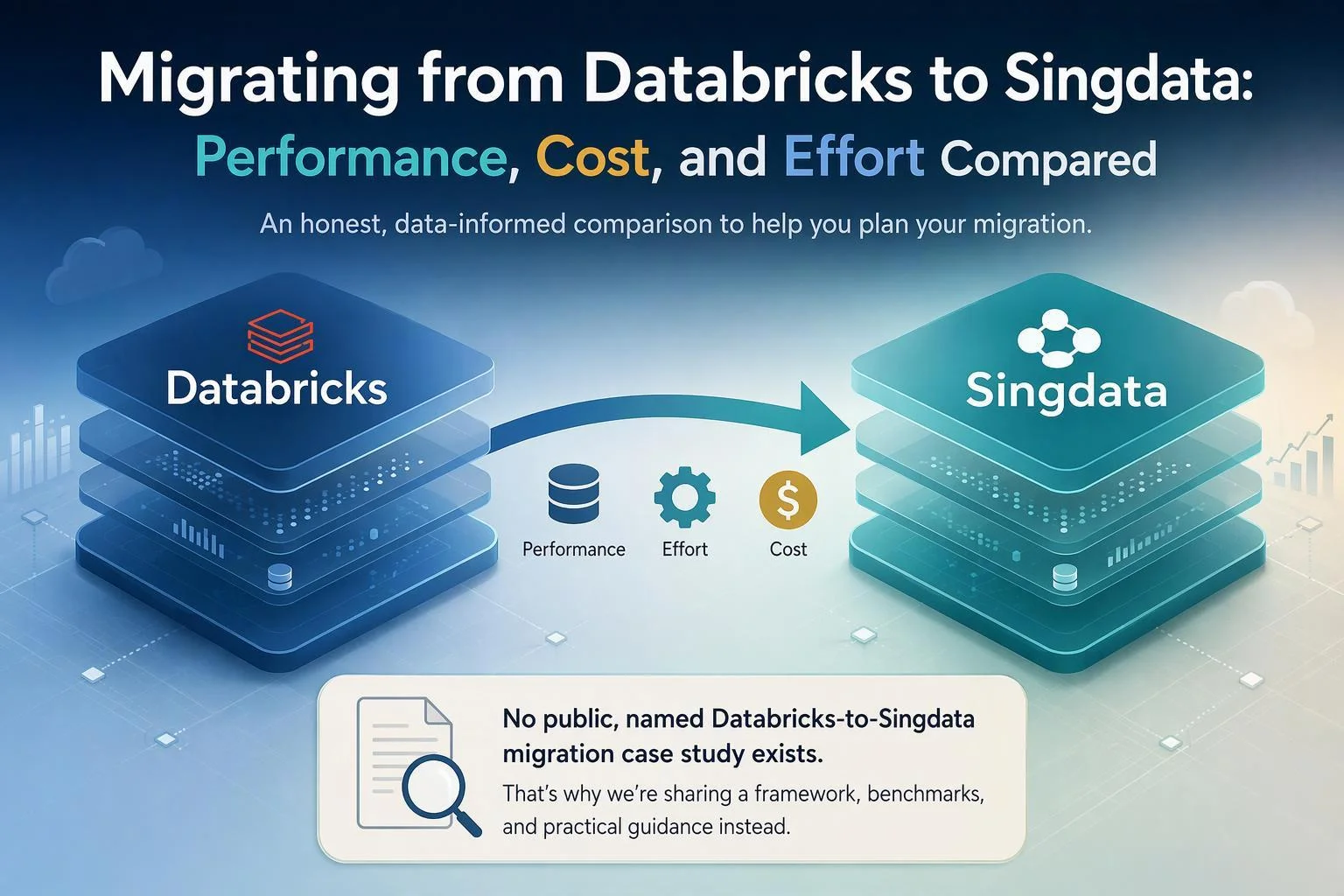
No public, named case study of an organization migrating from Databricks to Singdata appears in the material available for this article. Singdata's published customer stories describe migrations from self-built Spark, Presto, Greenplum, MaxCompute, ClickHouse, AnalyticDB, and Tencent Cloud HBase/InfluxDB — not from Databricks. So the honest answer to "has anyone made that switch, and how did it go?" is that no peer testimonial can be handed to you here.
What can be done is the next most useful thing: turn your question into a decision framework. That means examining what Singdata's published benchmarks actually measure, separating per-query cost from total cost of ownership, inventorying the Databricks-specific surface a migration would have to cross, and defining the evidence to demand before signing. The criteria below drive the structure, not the product names, and "it depends" gets resolved into the specific conditions that decide it.
The Short Answer: What Public Evidence Actually Shows
No named public case of a Databricks-to-Singdata migration exists in the material available, so performance, savings, and effort figures from a real Databricks switch cannot be quoted. What exists is a set of adjacent migrations and vendor benchmarks — useful for sizing a pilot, not for borrowing a verdict.
The published customer stories cover a different starting point. NinjaVan moved from a self-built Spark, Flink, and Presto stack; the customer index also lists NeoCRM from Greenplum, Tanglang from Alibaba Cloud MaxCompute/DataWorks/ADB, and Synagie from a fragmented AnalyticDB and Power BI stack. None of these is a Databricks migration.
That distinction carries real weight. A bare Spark shop does not have Unity Catalog's three-level namespace, Delta Lake managed-table semantics, change data feed, Lakeflow pipelines, or MLflow model governance. A Databricks deployment does, and each becomes migration scope that a Spark-to-lakehouse story never had to touch.
The one adjacent data point is secondhand: a Tech in Asia post reports that Xiaohongshu lowered infrastructure costs by around a third on Singdata's platform. It is a press summary, not a Databricks switch and not a first-party case study. What you can conclude is that Singdata has production migrations and published benchmarks; what you cannot conclude is how a Databricks estate of your shape would fare.
Evaluation Criteria: How to Compare Databricks and Singdata Fairly
Compare the two platforms on five dimensions — measured performance, total cost of ownership, migration effort and compatibility, governance and feature parity, and operational model — because each one maps to a different part of your bill and your risk. A single headline speed or savings number collapses them and hides the trade-offs.
Measured performance matters because query latency sets both user experience and compute duration, which is itself a cost line. Total cost of ownership matters because per-query benchmark cost and a monthly invoice are different quantities. Migration effort matters because engineering time and dual-running are usually the largest unbudgeted item. Governance and feature parity decide whether the move is even permissible for regulated data and ML workloads. Operational model decides what your team stops doing and what it starts doing.
Each criterion gets a side-by-side treatment below rather than a product-by-product walkthrough, and the summary matrix that follows carries only claims the body supports. Where the evidence is vendor-reported or secondhand, it is labeled as such.
Summary Comparison: Databricks vs. Singdata at a Glance
Criterion | Databricks | Singdata |
|---|---|---|
Measured performance | Vendor publishes its own production-index and benchmark material; no independent head-to-head against Singdata in the material reviewed | Vendor-reported benchmarks on SSB-FLAT 100GB, TPC-H 100GB, and TPC-DS 1TB; Databricks ran a "Large" config while Singdata ran XLarge (128 vCore), and no special tuning was applied on either side |
Total cost of ownership | DBU-based pricing across jobs, all-purpose, and serverless SQL compute, plus cloud storage and egress | Published CRU-hour rates ($1.24 Standard, $1.86 Enterprise), storage at $0.025/GiB-month, egress at $0.12/GiB with 30 GiB included; vendor claims 6x–12x lower cost than Databricks |
Migration effort and compatibility | Native Spark, Delta Lake, Unity Catalog, Structured Streaming, MLflow, and Jobs | Spark SQL largely compatible; UDFs must be rewritten as external functions (high effort); temp views, the |
Governance and feature parity | Unity Catalog as central governance layer; MLflow for model lifecycle | Catalog and federation model; external catalog reads are read-only and require same-cloud, same-region placement |
Operational model | Managed Spark with control-plane/data-plane split; serverless options | Single-engine lakehouse; SaaS or VPC deployment; broader cloud list including Alibaba, Tencent, and Huawei Cloud |
Best fit | Heavy ML/MLflow dependence, deep Unity Catalog investment, Azure/GCP-only footprint | Cost-dominated BI/ETL workloads, multi-cloud or Asia-Pacific cloud requirements, teams consolidating engines |
Every cell above is expanded, with its conditions, in the sections that follow.
Measured Performance: What the Benchmarks Do and Don't Prove
Singdata's published benchmarks show large gaps in its favor, but the methodology as published does not support applying those gaps to your Databricks workload. Treat the numbers as a hypothesis to reproduce, not a result to plan against.
Vendor-run benchmark durations (seconds) from Singdata's comprehensive comparison, AWS Singapore region, default settings, no special tuning. Singdata and Snowflake ran on XLarge (128 vCore); Databricks ran on a configuration described only as "Large," with no vCore count published. Single-stream runs, not a like-for-like throughput or concurrency comparison.
In the comprehensive comparison, Singdata reports SSB-FLAT 100GB at 1.9s versus Databricks at 12.7s, TPC-H 100GB at 22.7s versus 50.6s, and TPC-DS 1TB at 208s versus 386s. The same table notes that "no special tuning was applied" and that all platforms ran default settings. It also records the compute configurations: Singdata and Snowflake on XLarge (128 vCore), Databricks on "Large." That sizing difference alone can account for a substantial part of the gap, and the page does not state Databricks' vCore count for the Large configuration, so the comparison cannot be normalized from the published material.
The gaps a buyer must close are concrete. There is no concurrency test, so p95 latency under realistic simultaneous users is unknown. There is no mixed-workload run, so the interaction between ETL and BI on shared compute is unmeasured. And there is no data-lake-specific workload — no Delta table reads, no Structured Streaming, no ML — which is precisely the surface a Databricks team would be moving.
Databricks makes vendor claims of a different kind. Its migration page advertises Genie Migrate at "over 90% conversion accuracy" for SQL code and a 25% reduction in delivery timelines. Those describe migration tooling, not runtime performance, and they are equally vendor-reported. What to replicate in your own proof of concept: your query mix, your concurrency, p50/p95/p99 latency, and cost per 1,000 queries on both platforms.
Total Cost of Ownership: Normalizing the Numbers
Per-query benchmark cost is not a TCO, and the published $0.010 versus $0.12 on SSB-FLAT should not be read as a monthly bill ratio. A TCO comparison requires the same cost lines on both sides, measured over the same period, with labor included.
Per-workload cost (USD) as published in Singdata's comprehensive comparison, AWS Singapore region. The page does not fully disclose how per-workload cost was derived from the listed rate cards, so these are not monthly bills and not a TCO comparison. Singdata rate: $1.24/CRU-hour (Standard) or $1.86 (Enterprise); Databricks reference: $0.88/DBU-hour SQL Serverless Large.
Start from published unit prices. Singdata's AWS Marketplace listing bills compute at $1.86 per CRU-hour for Enterprise and $1.24 for Standard, storage at $0.025 per GiB-month beyond any included allowance, and internet egress at $0.12 per GiB with 30 GiB included monthly. Databricks bills in DBUs, with different rates for jobs compute, all-purpose compute, and serverless SQL. Because the meters differ, the only valid comparison is a modeled monthly bill built from your own usage.
The cost lines a Databricks team must inventory:
Compute by workload type. Jobs compute, all-purpose compute, and serverless SQL carry different DBU rates; Databricks' own cost guidance notes that non-interactive workloads cost significantly less on job compute than on all-purpose compute.
Cloud storage for Delta files, plus any duplicated copies during coexistence.
Egress, including cross-region and cross-cloud sharing; Databricks documents that OpenSharing does not replicate data, so cloud providers may charge egress when data crosses clouds or regions.
Orchestration and adjacent tooling outside the platform bill.
Labor, including dual-running engineering during the transition.
Illustrative inference, not observed data: suppose a team spends $40,000 per month on Databricks compute and $6,000 on storage and egress. If a pilot shows the same workload running in 40% of the compute time at a comparable per-hour rate, the naive compute projection is $16,000 — but the honest model adds migration labor, dual-running months, and any egress from coexistence. The arithmetic is illustrative; substitute your own figures.
Singdata's vendor claims — a 50% TCO reduction and "1/5–1/3 of conventional alternatives" — are reported, not independently verified, and should be validated in your own environment before they enter a business case.
Migration Effort and Compatibility: Where the Real Work Sits
Migration effort scales with three measurable properties of your estate — UDF count, streaming complexity, and managed-table volume — not with a single headline number. Inventory those three before scoping anything, because they decide whether the move takes a quarter or a year.
What must be inventoried. Unity Catalog's three-level catalog.schema.table naming, and the split between managed and external Delta tables. Per Singdata's Databricks Delta migration guide, only external Delta tables can be queried directly through External Catalog federation; managed tables must be migrated via sync jobs, with a reported single-task duration of 84–109 seconds including sync-cluster cold start, largely independent of data volume — so estimate total time linearly by table count. Also inventory Delta Lake features including change data feed, whose records are transient and readable only within a retention window; Structured Streaming in micro-batch or real-time mode, Auto Loader, and Lakeflow pipelines; MLflow model lifecycle; and Jobs definitions.
The compatibility surface Singdata documents. The Spark SQL migration guide states that DDL, SELECT, UPDATE/DELETE/MERGE are fully compatible when none of its listed items appear in your codebase. Where they do:
spark.udf.register, Python UDFs, and Java UDFs must be rewritten as External Functions deployed to a cloud function service — high effort, scaling linearly with UDF count.CREATE TEMP VIEWis unsupported; rewrite as CTEs or persistent views — low to medium effort per change.aggregate(,reduce(,session_window(, andwindow(have no equivalent and need manual rewrites — medium effort, high if core logic depends on them.LATERAL VIEW posexplodeand CTASPARTITIONED BYneed one-by-one rewrites — low effort.
Federation constraints. Per Singdata's external catalog practice guide, External Catalogs are read-only — no INSERT/UPDATE/DELETE back to Databricks — the Databricks storage must be on the same cloud platform as the Lakehouse instance, ACCESS_REGION must match the S3 bucket region, and a Unity Catalog-capable Databricks version is required (Free Edition works, Community Edition does not).
A worked illustration: a team with 40 UDFs, two Structured Streaming pipelines, and 300 managed tables should expect the UDF rewrite to dominate engineering time, the streaming pipelines to require redesign against Singdata's ingestion model, and the managed tables to require roughly 300 sync tasks at 84–109 seconds each plus validation — before any query is cut over.
Governance, Feature Parity, and Operational Model
Databricks retains clear advantages in governance depth, ML tooling, and ecosystem maturity; Singdata's case rests on architectural simplicity and cloud breadth. Neither advantage is universal, so match each to your actual requirements.
Governance. Databricks positions Unity Catalog as the central data and AI governance solution across ETL, ML/AI, and BI. Singdata's model is a catalog plus External Catalog federation into Databricks, which is read-only and constrained by cloud and region. If your access controls, lineage, and audit obligations are built on Unity Catalog, that investment is a real switching cost.
Deployment and isolation. Databricks runs a control plane in its own account with an optional data plane in your VPC, and serverless SQL in a multi-tenant environment. Singdata offers SaaS and VPC on-premise deployment with isolated tenancy available via a VPC tier, per its comparison page.
Cloud coverage. Databricks runs on AWS, Azure, and Google Cloud. Singdata lists AWS, GCP, Alibaba Cloud, Tencent Cloud, and Huawei Cloud — relevant if your footprint includes Asia-Pacific clouds outside the big three.
Operational model. Databricks means operating Spark clusters, tuning Photon, and managing cluster policies; Singdata's pitch is a single engine that replaces Spark, Flink, and a separate warehouse. That can reduce operational load, but it also means your team's Spark expertise transfers less directly than the SQL compatibility suggests.
Where Databricks wins outright: ML and AI tooling depth, the hiring pool for Spark skills, and ecosystem maturity. Weigh those honestly rather than letting a cost comparison set the criteria.
Phasing the Migration: Discovery, Pilot, Coexistence, Cutover, Rollback
Run the migration in waves with a gate and a rollback plan at each one; a big-bang cutover concentrates every unknown into a single window. The general sequence — inventory, target architecture, pilot, transfer, validation and cutover — is well established in published data-lake migration frameworks, and it adapts cleanly to the Databricks specifics.
Discovery. Inventory Unity Catalog objects, classify every Delta table as managed or external, count UDFs by language, and list streaming pipelines and Jobs. This phase usually finds tables nobody uses, which never need to move.
Pilot. Pick one bounded workload — a BI reporting mart is a good candidate — and validate it against Databricks baselines: row counts, null rates, key business totals, and p95 latency at realistic concurrency. Gate: the pilot meets agreed success metrics or the program stops.
Coexistence. Use External Catalog federation for read-only cross-platform queries while managed tables sync. Note the limits: federation does not write back to Databricks. Singdata's Databricks Delta migration guide reports that cross-region and cross-cloud reads are supported via the public internet, so plan for egress.
Cutover. Rebuild data-quality checks before legacy jobs are switched off — row counts, null checks, and reconciliation logic often live inside the old ETL scripts and are lost if not migrated deliberately. Gate: priority dashboards show identical numbers on both sides.
Rollback. Define it per wave, not per program. A wave that cannot be reversed should not be scheduled until the prior wave has run clean for an agreed period.
Who Should Choose Which
Stay on Databricks if your platform is defined by ML and Unity Catalog governance; run a serious Singdata proof of concept if your bill is dominated by BI and ETL compute and your team can absorb a compatibility assessment. "It depends" resolves to those two conditions.
Staying on Databricks is likely the better call when:
MLflow and model lifecycle management are central to how your data team delivers value.
You have invested heavily in Unity Catalog governance — fine-grained access, lineage, and audit — and rebuilding it is not budgeted.
Your footprint is Azure or GCP only, where Singdata's federation constraints and cloud list may not fit.
You have a large Spark-native engineering team whose skills would transfer less directly than SQL compatibility implies.
Singdata merits a rigorous PoC when:
Compute cost is dominated by BI and batch ETL rather than ML training and serving.
You operate in Asia-Pacific clouds — Alibaba, Tencent, or Huawei — outside Databricks' three-cloud footprint.
You want to collapse Spark, Flink, and a separate warehouse into one engine and accept the operational change that implies.
You have the engineering capacity to run a fixed-scope pilot with real success metrics and exit criteria.
Neither list is a verdict. They are the conditions under which the effort is likely to pay back — and the conditions under which it likely will not.
Acceptance Criteria and Questions to Put to Singdata Before Committing
Ask for evidence, not assurances, and make each item a gate in the contract. The checklist below is what to demand before signing.
A named reference customer who migrated specifically from Databricks — not from Spark, Presto, or Greenplum. Ask what their UDF count was, how many managed tables they moved, and how long coexistence ran.
Benchmark reproduction on your own data and workload mix. The published benchmarks ran default settings with unequal compute sizing; require a run on your queries, your concurrency, and your data volumes.
A written compatibility matrix for your codebase. Have them assess your UDFs, temp views, higher-order functions, streaming jobs, and managed tables against the Spark SQL migration guide and return effort estimates per item.
A fixed-scope pilot with success metrics and exit criteria — latency targets, cost per query, and a defined point at which you can walk away.
A TCO model with all cost lines and stated assumptions — compute, storage, egress, orchestration, and labor — in writing, so you can audit the arithmetic.
Data-residency and cloud/region constraints confirmed in writing, including whether federation works for your Databricks cloud and region.
SLA and support terms, including escalation paths and response times.
A rollback and data-export guarantee — what happens to your data if the engagement ends, and in what format you get it back.
Each question has an evidence form: a name, a document, a test result, or a contractual term. Accept nothing less before committing budget.
Verdict
The switch is worth serious evaluation only if you run the pilot yourself. No public, named Databricks-to-Singdata migration case study surfaced in the material reviewed here, so the decision rests on your own measurements rather than on borrowed testimony. The adjacent evidence — NinjaVan moving off self-built Spark, Atlas leaving ClickHouse, Tanglang leaving MaxCompute — shows the pattern has worked in these three cases, but none of them was a Databricks migration.
Three conditions make the effort likely to pay back. Your spend is dominated by SQL and ETL rather than ML training. Your UDF and streaming surface is small enough that the rewrite list stays bounded. And your cloud and region fit the documented federation and storage-access constraints. If any of those fails, the migration cost can outrun the savings you are chasing.
Stay on Databricks if MLflow and Unity Catalog governance are load-bearing for your organization, if your engineering team is deeply Spark-native, or if your estate is Azure-only. In those cases the compatibility work is real and the upside is speculative.
Either way, the next concrete step is the same: run a fixed-scope pilot on one bounded workload, measure it against your Databricks baseline, and hold the vendor to the acceptance criteria above before you sign anything.
FAQ
Has anyone publicly switched from Databricks to Singdata?
No named public case study of a Databricks-to-Singdata migration appeared in the material reviewed. Singdata's published customer stories describe moves from self-built Spark, Greenplum, MaxCompute, ClickHouse, AnalyticDB, and Tencent Cloud HBase/InfluxDB — adjacent migrations, not Databricks switches. Ask the vendor directly for a reference customer who came specifically from Databricks.
Are Singdata's benchmark numbers trustworthy?
They are vendor-reported and carry methodology limits: Databricks ran on a "Large" configuration while Singdata and Snowflake ran XLarge (128 vCore), and no special tuning was applied on either side. Treat the figures as a reason to test, not a result to rely on. Reproduce the workload on your own data before you commit.
How long does a migration take?
There is no single headline number. Effort scales with your UDF count, streaming complexity, and managed-table volume. UDFs must be rewritten as external functions, which the vendor's own guide rates as high effort; temporary views become CTEs; managed Delta tables need sync jobs. Phase the work in waves rather than attempting a single cutover.
Can we run both platforms at once?
Yes, within limits. Singdata's External Catalog federation lets you query Databricks external Delta tables read-only, provided both sit on the same cloud and region and your Databricks version supports Unity Catalog. Writes back to Databricks are not supported, so coexistence works for reads and one-way sync, not bidirectional operation.
What about our MLflow models?
MLflow is not covered by Singdata's SQL compatibility documentation. Model tracking, registry, and serving need a separate assessment before you plan any cutover, and for ML-heavy teams that gap alone may justify staying put.