How to apply the Medallion Model in Singdata Lakehouse's ETL
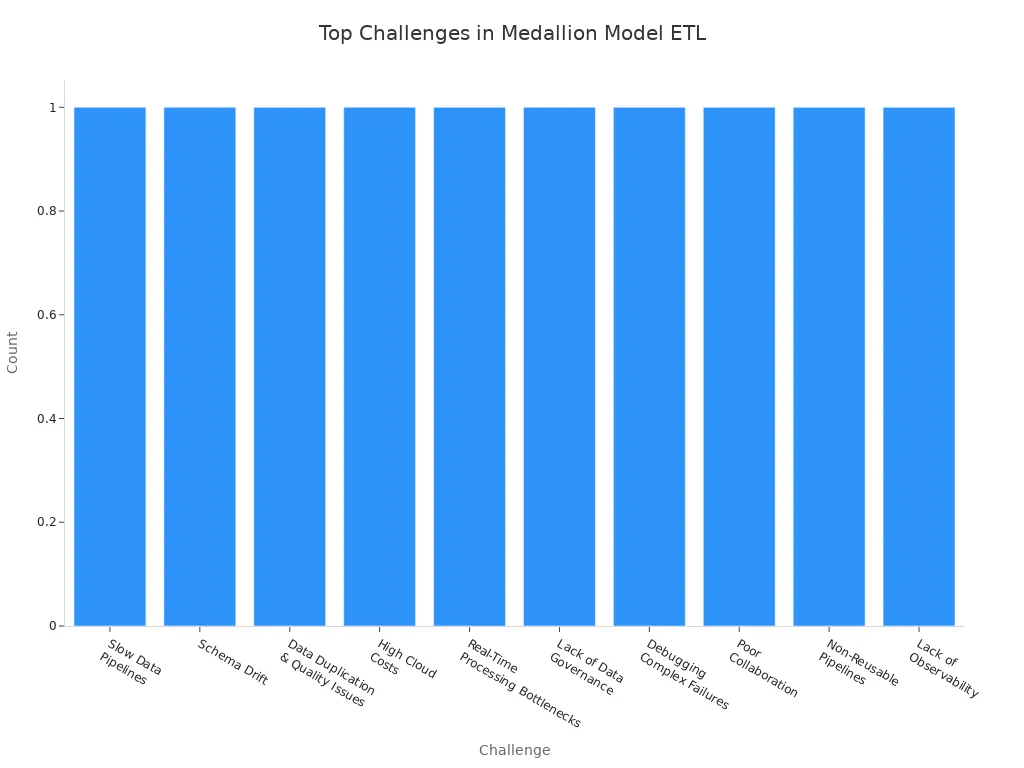
You can use the Medallion Model in Singdata Lakehouse's ETL by making your data pipelines into simple layers. This way, you can make your data better, follow rules, and grow your work easily. Many data engineers have problems like slow pipelines, changes in data shape, and repeated data. The table below lists common problems and ways to fix them:
Challenge | Problem Description | Solution |
|---|---|---|
Slow Data Pipelines | ETL jobs take a long time and get delayed | Make joins faster, use Delta caching, and cut down data with partition pruning in Spark or Snowflake. |
Schema Drift | Source data changes in ways you do not expect | Turn on schema evolution in Delta Lake and use auto schema detection in Databricks Auto Loader. |
Data Duplication & Quality Issues | Data is repeated, missing, or not the same everywhere | Use dbt tests and Great Expectations to check data before every load. |
Key Takeaways
The Medallion Model has three layers: Bronze, Silver, and Gold. Each layer makes data better and easier to use.
In the Bronze layer, keep raw data as it is. This helps you know where the data came from. It is useful for checking quality later.
The Silver layer cleans and adds more details to data. Use methods like removing repeats and making data look the same. This helps make sure data is correct.
The Gold layer gets data ready for business needs. It gives clean and grouped data for reports and analysis.
Use strong rules and watch data closely. This keeps data safe and good during the ETL process.
Medallion Model Overview
Key Concepts and Layers
The Medallion Model helps you sort data in steps. It has three layers: Bronze, Silver, and Gold. Each layer does something important.
The Bronze layer keeps raw data as it comes in. You do not change this data. It saves the original data and shows where it came from.
The Silver layer cleans the raw data. You take out repeats, fix mistakes, and check rules. This layer gives you neat and trusted data.
The Gold layer has data ready for business. You mix and shape data for reports and dashboards. Teams can find answers quickly here.
Tip: Moving data through these layers makes it better and more useful.
Relevance to Singdata Lakehouse ETL
Using the Medallion Model in Singdata Lakehouse makes ETL strong and flexible. Old ETL systems have trouble with messy data and slow changes. The Medallion Model gives a clear way for data to move and helps fix these problems.
Aspect | Traditional ETL Processes | Medallion Model |
|---|---|---|
Data Handling | Works with only structured data | Works with both structured and unstructured data |
Scalability | Hard to grow | Easy to grow with data lakes |
Flexibility | Not flexible, needs lots of planning | Flexible, lets you change step by step |
Usage | Used in old data warehouses | Used in new lakehouses and analytics |
Setup | Needs lots of setup | Easy to set up and change |
This model helps you keep data neat, make data better, and run ETL pipelines easily. Each layer helps you meet business goals, follow data rules, and grow.
Bronze Layer: Raw Data Ingestion
Ingesting and Storing Raw Data
The Bronze layer is where you begin your ETL work. You gather raw data from many places. These places can be:
Databases
APIs
IoT devices
Transactional systems
You do not change the data here. You keep it almost the same as when you got it. This lets you see where the data came from. It also helps you check if the data is good later.
To make the Bronze layer strong, use these tips:
Assess Data Characteristics: Check what kind of data you have. Is it structured, semi-structured, or unstructured? For example, use a document model for JSON. Use a file model for images.
Optimize for Scalability: The Bronze layer stores a lot of data. Pick storage types and ways to split data that can grow. Split data by time or by where it came from. This helps you find things faster.
Manage Metadata: Keep a list of details about your data. Tools like Apache Hive Metastore or AWS Glue Data Catalog help you track and find your data.
Implement Security Measures: Keep your data safe. Lock it with encryption when stored and when moving. Use roles to control who can see it. Hide or change private data like PII.
Plan Data Retention: Decide how long to keep your data. Use different storage for new and old data. Keep new data in fast storage. Move old data to cheaper storage.
Tip: If you plan well in the Bronze layer, your whole pipeline is easier to run.
Handling Multiple Data Formats
You will get many types of data in the Bronze layer. Some data is in CSV files. Some is in JSON. Some is in images or logs. You must handle all these types without making ETL slow.
Manual scripts are okay for small jobs. But they get hard to use when data grows.
Automated tools find mistakes and fix odd data better than manual steps.
The Bronze layer gathers raw, unstructured data. You need to get ready to change it in the Silver and Gold layers.
The Medallion Model helps you sort this work. You move data from raw to clean in clear steps. This keeps your pipeline simple and easy to grow.
Silver Layer: Data Cleansing and Transformation

Cleaning and Enriching Data
The Silver layer helps turn raw data into clean data. This step gets your data ready for reports and analysis. You fix mistakes, fill in missing parts, and make sure things match.
Here are some good ways to clean and enrich data:
Technique | Description |
|---|---|
Handling Missing Data | Fill empty spots with averages, guesses, or by removing bad rows. |
Deduplication | Take out repeated records by matching them exactly or closely. |
Data Standardization | Make dates, times, and groups look the same everywhere. |
Lookups | Use other tables to fill in missing pieces. |
Geocoding | Change addresses into map points for location checks. |
External Datasets | Add new facts from outside sources to give more details. |
You make data better by fixing errors and making it match. You also add new info to help your business find answers.
Note: When you clean and enrich data in the Silver layer, only good data moves on. This step saves money because you do not use bad data. Your reports and dashboards use the best data.
You focus on these main jobs:
Take out repeats and fix missing spots.
Make formats the same for easy use.
Check data with rules to catch mistakes.
You make your data neat and ready for the next Medallion Model step.
Incremental Processing and CDC
You do not have to process all data every time. Incremental processing lets you work with only new or changed data. This saves time and resources.
You use tools like Spark structured streaming and delta architecture to watch for changes. Change Data Capture (CDC) helps you see updates, deletes, and new data. You can set up updates that happen almost right away, sometimes in just 15 minutes.
Here are some good things about using incremental processing and CDC:
Benefit | Description |
|---|---|
Cost Reduction | Cut messaging costs by up to half with smart tools. |
Improved Processing Efficiency | Get analytics in minutes instead of hours. |
Simplified Architecture | Use one pipeline instead of many, so it is easier to manage. |
Enhanced Decision-Making | Speed up AI and machine learning feedback for better choices. |
Real-Time Analytics |
You balance speed, cost, and how many real-time tables you have.
You keep your data fresh and ready for quick choices.
Tip: Incremental processing helps your ETL pipeline grow as your data grows.
Using Delta Lake Tables
Delta Lake tables give you strong tools for managing data in the Silver layer. You get safe updates and clear rules for your data.
Advantage | Description |
|---|---|
ACID Transactions | You get safe updates, so your data stays correct. |
Schema Enforcement | You make sure all data fits the right shape, which keeps things the same. |
Data Quality Improvements | You can filter out bad data and fix mistakes before moving on. |
Delta Lake lets you track changes and undo them if needed. You can also keep versions of your data to see what changed and when. This makes your data pipeline safer and easier to use.
You use filters to take out bad data.
You make schemas the same for easy checks.
You use transactions to keep your data safe.
Note: Delta Lake tables help keep your Silver layer strong, so your Gold layer always gets the best data.
You use the Medallion Model to move data from raw to clean, then to business-ready. The Silver layer is where you make your data shine.
Gold Layer: Business-Ready Data
Data Aggregation for Analytics
The Gold layer is where your data is ready for business. Here, you mix and shape data to answer real questions. You use this layer to make tables and views for your business. These tables help you see trends and measure results. They also help you make smart choices.
The Gold layer has data that is already clean and checked.
You make summary tables with averages, counts, highs, and lows.
You can build materialized views, like
weekly_sales, to show sales each week.Data in this layer follows your business rules.
You save Gold tables in fast formats, like Delta, for quick searches.
You often use aggregate functions to make dashboards and reports faster. You also use business rules and do hard math here. If you find mistakes, you can go back to old versions of your data. You only keep history for tables that need it.
Tip: The Medallion Model helps each layer add value and keeps your data neat.
Delivering to BI and Reporting
You use the Gold layer to power your BI tools and reports. This layer gives you data that is easy to read and ready to use. You can connect dashboards and analytics tools right to Gold tables.
Statistical methods help you find patterns and guess future trends. This makes your choices better.
Good charts turn hard numbers into clear pictures. Your team can see answers fast and act quickly.
You send data to BI tools by making direct links or exporting it. You make sure your reports always use the newest and best data. This helps everyone trust the numbers and make good choices.
Note: A strong Gold layer helps your business move faster and make smart decisions.
Governance and Monitoring
Data Quality and Compliance
You need strong data governance to keep data safe and useful. Good governance helps you know where your data comes from. It also helps you see how your data changes over time. You must follow rules to keep data private. Here are the main parts of a good data governance plan:
Key Component | Description |
|---|---|
Policies & procedures | Make rules for how to use and check data. |
Roles & responsibilities | Give jobs to people or teams to manage data. |
Data catalog | Keep details about your data, like where it comes from. |
Data quality metrics & monitoring | Watch data quality and make sure it stays good. |
Data security protocols | Protect data with encryption and control who can see it. |
Data lineage tools | Show how data moves from start to finish. |
Training & education | Teach everyone the right way to handle data. |
You must also follow important rules and laws. These rules help protect personal and business data. Some key standards include:
GDPR
HIPAA
Other relevant regulations
You should learn about new rules and check your system often. Use strong security, like encryption and access controls, to keep data safe.
Tip: Good governance makes your Medallion Model pipeline safer and easier to manage.
Pipeline Monitoring and Optimization
You need to watch your ETL pipelines to catch problems early. Monitoring helps you keep your data fresh and your system running well. Here are some tools and techniques you can use:
Tool/Technique | Description |
|---|---|
Databricks Lakehouse Monitoring | Checks data quality and alerts you to changes. |
OLake UI | Shows how your data syncs and how fast it moves. |
MinIO Console | Tracks storage use and health. |
PrestoDB Web UI | Monitors query speed and cluster health. |
Audit Tables | Helps you check record counts. |
Prometheus & Grafana | Sends real-time alerts if something goes wrong. |
Great Expectations & dbt | Checks data quality before loading. |
You can also use tools like Kafka Streams, DataDog, and Splunk for more tracking. Always set up alerts for missing data or failed jobs. This helps you fix issues before they grow.
Note: Regular monitoring and quick fixes keep your ETL pipelines strong and scalable.
You can use the Medallion Model in Singdata Lakehouse by taking simple steps.
Pick certified measures and link reports to Gold datasets.
Turn on incremental processing and make Delta files work better.
Fill in old data and use lineage tools to track changes.
Remove old pipelines to show what you have improved.
Benefit | Description |
|---|---|
Simple Data Model | It is easy to use and understand |
ACID Transactions | Data stays safe and correct |
Time Travel | You can check and fix data from before |
Work on automation, strong rules, and check your system often. These steps help you make ETL workflows that are easy to grow and trust.
FAQ
What is the main benefit of using the Medallion Model in Singdata Lakehouse?
You get better data quality and it is easier to manage. The Medallion Model sorts data into clear steps. This makes ETL pipelines faster and more reliable.
Can I use the Medallion Model with both structured and unstructured data?
Yes! You can use the Medallion Model for any kind of data. You can keep raw files, logs, images, or tables in the Bronze layer. You clean and change them in the Silver and Gold layers.
How do I keep my data safe in each layer?
Use encryption and access controls for every layer. You can set roles so only some people see or change data. Always check your security settings to protect private information.
What tools help monitor ETL pipelines in Singdata Lakehouse?
You can use Databricks Lakehouse Monitoring, OLake UI, and Prometheus. These tools help you watch data quality, job status, and system health. You get alerts if something is wrong.
How often should I update my Gold layer tables?
You should update Gold tables as often as your business needs. Some teams update every day. Others need updates right away. You can set times or use streaming for quick changes.
See Also
Enhancing Dataset Freshness by Linking PowerBI with Singdata Lakehouse
A Comprehensive Guide to Safely Connect Superset with Singdata Lakehouse
Essential Insights on ETL Tools: Everything You Should Understand
An Introductory Guide to Beginning Your Spark ETL Journey
Recognizing Lakehouse Significance in the Modern Data Environment

