
Multi-Tenant Isolation and Role-Based Access Control
Multi-Tenant Isolation and tenant-aware RBAC keep SaaS data secure by preventing cross-tenant access, supporting compliance, and enabling flexible permissions.

You need strict multi-tenant isolation and tenant-aware role-based access control to keep your SaaS platform secure. When permission checks work in a predictable way, you can easily debug and trust your system. In 2020, a SaaS provider suffered a breach because of weak access controls. Unauthorized users accessed sensitive data from many customers. The company faced fines, lost trust, and damaged its reputation. With strategies like ABAC and tenant-scoped roles, you can avoid these risks and protect your users.
Year
Incident Description
Consequences
2020
A multi-tenant SaaS provider faced a breach due to misconfigured access controls, allowing unauthorized access and exposing sensitive data of multiple customers.
Severe reputational damage, regulatory fines for non-compliance, loss of customer trust and revenue.
Key Takeaways
Implement strict multi-tenant isolation to protect customer data and prevent unauthorized access.
Use tenant-scoped roles to ensure users only access their own data, enhancing security and compliance.
Regularly audit your access controls to quickly identify and fix misconfigurations that could lead to data leaks.
Adopt Attribute-Based Access Control (ABAC) for flexible and precise permission management tailored to your business needs.
Balance performance and scalability by choosing the right isolation model that meets your application’s requirements.
Multi-Tenant Isolation Strategies

Isolation Architecture Patterns
You face many choices when you design a SaaS platform. The way you separate tenant data shapes your security and operations. Some applications need strong controls because they handle sensitive information. Others may have lighter requirements. Regulatory rules like SOC 2 or HIPAA can also force you to pick stricter isolation.
Here is a table that compares common patterns for Multi-Tenant Isolation:
Pattern Type | Description | Pros and Cons |
|---|---|---|
Shared-runtime multi-tenancy | All tenants share the same app runtime and usually the same database schema. | Pros: Fast onboarding, single upgrades, cost scales with usage. Cons: You become the isolation layer. |
Multi-instance (standardized pods) | Each tenant gets a dedicated instance of the app, provisioned automatically. | Pros: Better isolation for high-value tenants. Cons: Higher cost than shared runtime. |
Single-tenant (bespoke isolation) | Each tenant gets a fully dedicated stack. | Pros: Easiest isolation and compliance. Cons: Linear cost increase with customers. |
Shared database, shared schema | All tenants share the same tables with a tenant_id column. | Pros: Simplest and cost-effective. Cons: Risk of data leaks, limited isolation. |
Shared database, separate schemas | Each tenant has a separate schema within a single database. | Pros: Better separation, cost-effective. Cons: Schema migrations complexity. |
Database-per-tenant | Each tenant has their own dedicated database. | Pros: Maximum isolation, easier customization. Cons: Highest operational complexity. |
You should consider the type of application and the sensitivity of the data before you choose an isolation pattern. If you need strong separation, database-per-tenant gives you the best Multi-Tenant Isolation. This approach lets you back up and restore each tenant’s data independently. You also avoid cross-tenant data leaks and make compliance easier. However, you must manage many databases, which can be hard and expensive.
Security Implications
Multi-Tenant Isolation protects your customers from data leaks and attacks. Weak isolation can lead to serious problems. Attackers may break through virtual boundaries and steal data from other tenants. Cross-tenant vulnerabilities allow one tenant to see another’s information. These risks are real. In fact, 75% of organizations reported a SaaS security incident in the past year. Most of these incidents happened because of poor isolation or misconfigured access controls.
You must store tenant data securely and use strong controls. Application logic should block users from seeing data that does not belong to their tenant. Auditors look closely at access controls when they check your system. If you do not follow standards like SOC 2 or ISO 27001, you may face fines or lose customer trust.
Tip: Regularly audit your isolation controls. Fix misconfigurations quickly to prevent data leaks.
ABAC for Tenant Isolation
Attribute-Based Access Control (ABAC) helps you enforce Multi-Tenant Isolation with precision. ABAC uses attributes like tenant ID, user role, and resource type to decide who can access what. This method gives you more flexibility than traditional role-based access control (RBAC).
Here is a table that shows how ABAC compares to RBAC for tenant isolation:
Feature | RBAC | ABAC |
|---|---|---|
Flexibility | Limited to predefined roles | Highly flexible with dynamic attributes |
Granularity | Coarse-grained access control | Fine-grained access control |
Tenant Isolation | Static role assignments | Dynamic evaluation based on multiple attributes |
Contextual Permissions | Not supported | Supported through complex rules |
With ABAC, you can set rules that check the tenant ID before granting access. This stops users from seeing data outside their tenant. You can also create complex policies that match your business needs. ABAC supports fine-grained permissions and adapts as your platform grows.
Understand how Multi-Tenant Isolation affects your data security.
Use strict access controls to block data leaks.
Audit your system often to meet compliance standards.
Multi-Tenant Isolation is not just a technical choice. It is a promise to your customers that their data stays safe and private.
Tenant-Aware RBAC Design
Tenant-Scoped Roles
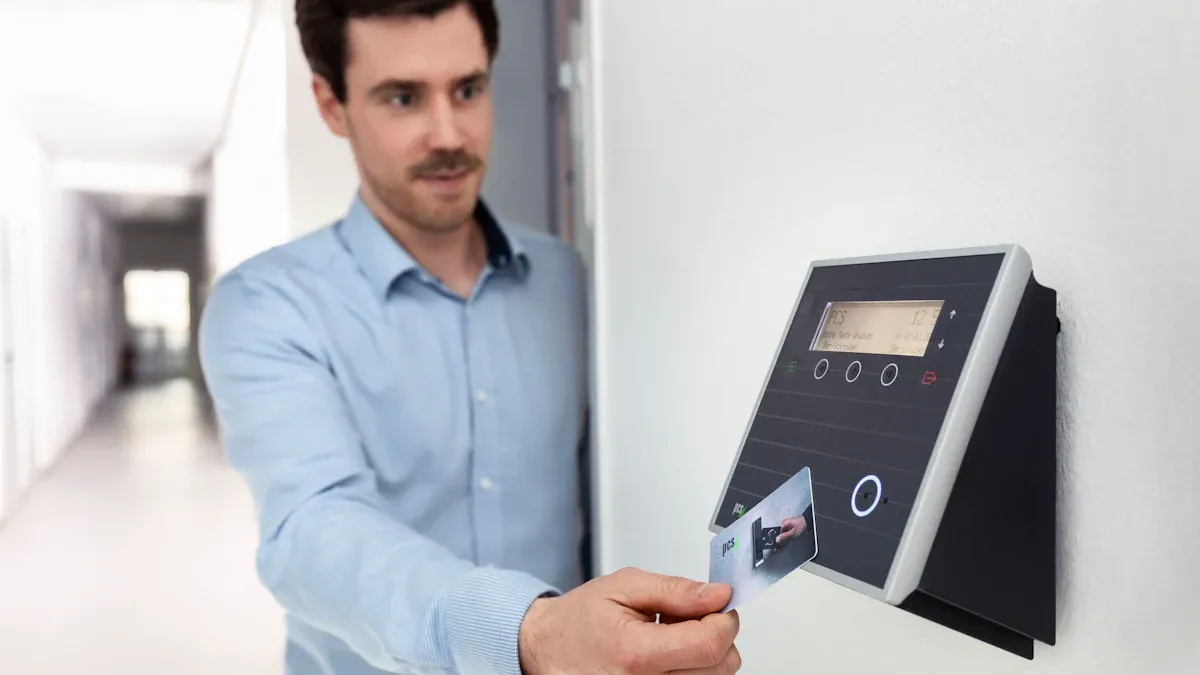
You need to assign roles within each tenant to keep access predictable and secure. When you scope roles to tenants, you make sure users only get permissions for their own environment. This approach stops users from seeing or changing data that belongs to other tenants. You answer three key questions every time you check permissions:
Does this resource belong to the tenant being accessed?
Is the user a member of that tenant?
Does the user have a role in that tenant that grants this action on this resource type?
You can use row-level security to filter data and prevent exposure between customers. Least-privilege roles help you give users only the permissions they need. You should also use Single Sign-On and two-factor authentication for sensitive actions. Audit trails let you track user actions and roles for accountability.
Here is a table that shows best practices for tenant-scoped roles:
Best Practice | Description |
|---|---|
Tenant-Scoped Roles | Assign roles specifically within tenant boundaries (e.g., 'Tenant A Admin'). |
Least Privilege Enforcement | Grant minimal necessary permissions, with sensitive roles tightly controlled. |
Custom Roles per Tenant | Enable tenant admins to define roles tailored to their organizational needs. |
You improve permission evaluation and reduce the risk of unauthorized access when you use tenant-scoped roles. This method supports Multi-Tenant Isolation and helps you meet compliance standards.
Custom Roles and Permissions
You can give tenant administrators the power to create custom roles and permissions. This flexibility lets each organization set up access controls that match their needs. Tenant admins can assign security roles to individual users or groups from the administration center. You can assign roles from the users tab or the permissions tab. Some platforms let you auto-assign roles to all users in a tenant.
Tenant administrators manage their own users and roles.
You can restrict admin rights so they only affect their own tenant.
Flexible administration levels let you tailor permissions for different groups or applications.
Role-Based Access Control ensures tenant-level administrators have specific permissions. You limit admin rights to prevent access to other tenants' data. Group hierarchy management helps you control who can do what inside each tenant. These steps protect your platform and keep data safe.
Cross-Tenant User Handling
Sometimes users need access to more than one tenant. You face challenges like keeping data isolated and managing different permissions. You must use strong access control mechanisms to stop data leaks. Policy-driven authorization systems help you manage permissions across tenants. You can let tenants customize roles and permissions for their unique needs.
Here is a table that shows common challenges and solutions:
Challenge | Solution |
|---|---|
Ensuring data isolation | Implement robust access control mechanisms. |
Managing cross-cutting access | Use policy-driven authorization systems to manage permissions across tenants. |
Accommodating unique role requirements | Allow tenants to customize roles and permissions based on their specific needs. |
Maintaining compliance with security standards | Ensure proper logging and monitoring of actions across tenants for auditing purposes. |
Handling elevated access for administrators | Treat administrator access like any other role to manage privileges effectively. |
Leading SaaS platforms use tenant isolation at the database, row, and application layers. You must follow rules like GDPR, HIPAA, and PCI DSS to keep data safe and meet legal requirements. You should encrypt data, use zero trust architecture, and monitor actions for compliance. These steps help you maintain strict isolation and auditability, even when users have access to multiple tenants.
Tip: Always review your cross-tenant access controls. Make sure you log and monitor actions to catch problems early.
Multi-Tenant Isolation depends on strong tenant-aware RBAC design. You keep your platform secure when you scope roles, allow custom permissions, and handle cross-tenant users with care.
Practical Considerations
Performance and Scalability
You must choose the right isolation model to balance performance and scalability in your SaaS platform. Isolated tenancy gives each customer their own resources, which boosts security and customization. This approach increases costs because you duplicate resources for every tenant. Shared applications with separate databases save money and keep data isolated, but managing many databases can become complex. Fully shared multi-tenancy lets you scale quickly and cut costs, but you need strong security to prevent data leaks.
Isolation is how well you keep one customer’s data and actions separate from another’s. Standalone apps provide high isolation, while sharded setups need strong logical separation to avoid problems.
A multitenant environment shares resources among customers. If one tenant uses too many resources, others may see slowdowns. Dedicated resources for enterprise plans keep performance steady for each tenant. Using Kubernetes namespaces helps you scale resources for each tenant and reduce latency.
Characteristics | Impact on Performance | |
|---|---|---|
RBAC | Assigns users to roles with fixed permissions. | Fast onboarding, but complex environments can slow things down. |
ABAC | Uses user attributes and context for access. | Fine-grained control, but more logic can lower throughput. |
Avoiding Role Explosion
You need to manage roles carefully to avoid role explosion. Too many roles make your system hard to maintain and slow down permission checks. You can combine roles with user attributes to define policies. Classification and tag-based policies help you control access without adding more roles. You should define entitlements outside of roles and set up a role governance program. Regular reviews keep your roles relevant and necessary.
Strategy | Description |
|---|---|
Combine roles with user attributes | Use both roles and attributes for flexible policies. |
Classification and tag-based policies | Auto-classify data and use tags in access rules. |
Entitlements independent of roles | Keep complex rules outside the role hierarchy. |
Role governance program | Assign ownership and review roles often. |
Enterprise Integration
You must integrate your SaaS platform with enterprise systems like SSO and SCIM for smooth user management. Support all CRUD operations and PATCH updates to keep data fresh. Use stable SCIM IDs to avoid duplicate users. Token-based authentication protects provisioning requests. Log all events for auditing and troubleshooting. Design APIs to be idempotent so repeated requests do not cause errors.
Global configurations apply to all users.
Tier-specific settings match subscription plans.
Tenant-level customizations fit each organization.
User-specific preferences allow personal control.
Enterprise SSO connects with internal directories using SAML or Kerberos. Web SSO uses cloud identity providers with standards like OAuth. Hybrid SSO bridges legacy and cloud systems for a unified experience. ABAC supports granular access control and aligns with Zero Trust principles, which means you always check user identity and context.
Tip: Offer clear documentation and debugging tools to help customers set up integrations and solve problems quickly.
You can achieve secure and scalable SaaS by combining tenant-aware RBAC with strong isolation. The table below shows the measurable outcomes of this approach:
Measurable Outcome | Description |
|---|---|
Strong Tenant Isolation | Keeps each tenant’s data and operations separate. |
Centralized Security Controls | Makes managing security policies easier. |
Efficient Resource Scaling | Lets you adjust resources for each tenant as needed. |
To build robust authorization, follow these best practices:
Use dynamic ABAC and tenant-scoped roles for flexible access control.
Enforce strict data separation at every layer.
Regularly review your architecture to find and fix gaps.
FAQ
What is multi-tenant isolation?
Multi-tenant isolation means you keep each customer’s data and actions separate. You use software and database controls to make sure one tenant cannot see or change another tenant’s information.
How does tenant-aware RBAC improve security?
You assign roles to users within each tenant. This stops users from getting access to other tenants’ data. You control permissions for each tenant, which makes your system safer.
Can you use ABAC and RBAC together?
Yes, you can combine ABAC and RBAC. You use roles for basic permissions and attributes for more detailed rules. This gives you flexible and strong access control.
What happens if you do not isolate tenants?
If you skip isolation, users may see or change other tenants’ data. You risk data leaks, security incidents, and loss of trust. Regulators may fine you for not protecting customer data.
How do you handle users with access to multiple tenants?
You give each user separate roles for each tenant. You check the user’s role and tenant before you allow access. You log all actions for auditing.
See Also
A Beginner's Guide to Automating Security Measures
Evaluating ROI: A Comparison of Data Feed Technologies
Best Practices for Ethical AI Governance and Oversight