
Getting Started: How to Quickly Create and Use a Workspace
Applicable Scenarios
A workspace is a logical object used to organize Lakehouse resource objects (data objects, computing resources, users, etc.) and provide supporting data development capabilities (data integration, data development, data operations). After completing registration and login, and activating the Lakehouse product, a workspace named quick_start is initialized by default under the service instance. This workspace comes with some sample data and sample code. If you plan to use product features based on this workspace, you can skip this document and refer to the following documentation to start using the product:
If you want to create more workspaces to meet the needs of different usage scenarios, such as organizing workspaces by business line or by data warehouse layering, please read this document.
Prerequisite Reading
Before reading this guide, it is recommended to complete reading and understanding the following documents:
Operation Guide
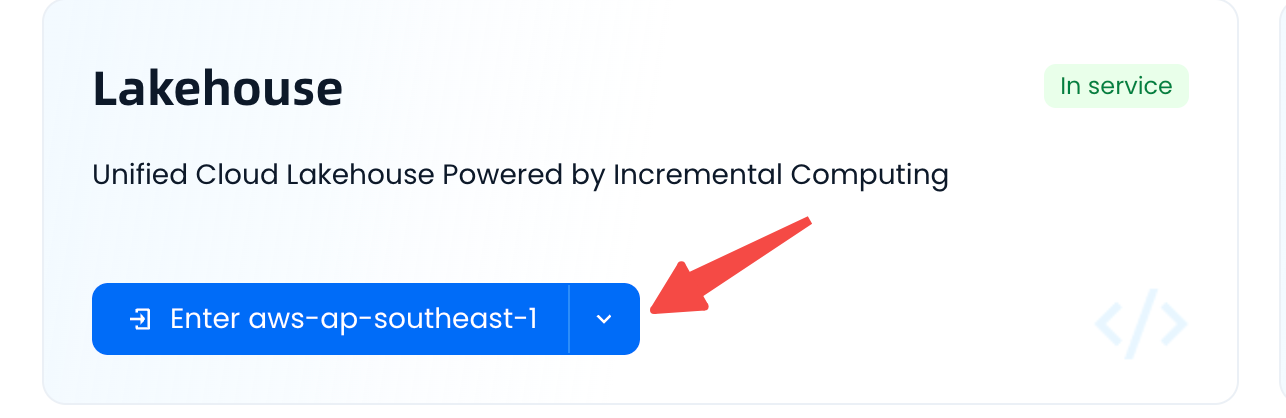
- Click the button as shown below to enter the Lakehouse service instance:
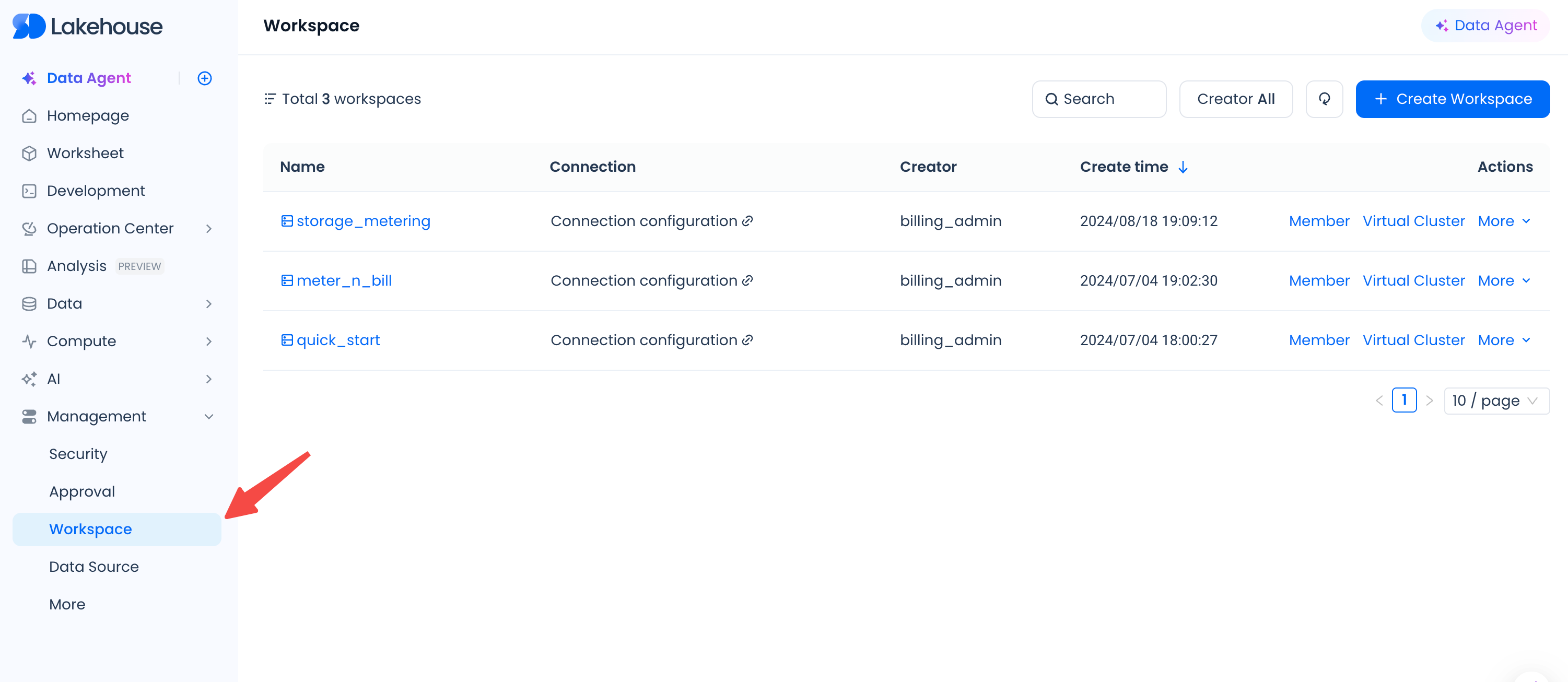
- Navigate to Management > Workspace page:
-
Click the "New" button, fill in the information according to the interface prompts, and complete the creation:
- Note that the workspace name must be unique within the service instance and has naming constraints. Please follow the guidance prompts on the page.
- "Storage Encryption" refers to whether tables under the workspace are physically stored with encryption enabled. This is an advanced configuration feature, enable as needed.
-
After the workspace is created, you may potentially perform the following operations:
-
Use this workspace in product modules such as task development.
-
Add other users to the workspace for collaboration. For details, see: How to Quickly Manage Users Under a Workspace
-
Limitations
- Permission Control: Only users with the
instance_adminrole can create and maintain users. The firstaccount administrator accountthat registered and activated the product has theinstance_adminrole by default. You can use this account to perform workspace creation operations.
Related Documents
- Workspace Management
- Using Workspaces to Build a Data Development Environment
- Quickly Set Up a Lakehouse Data Development Environment for Your Team